Clinic Staff Absence & Coverage System
Project Overview
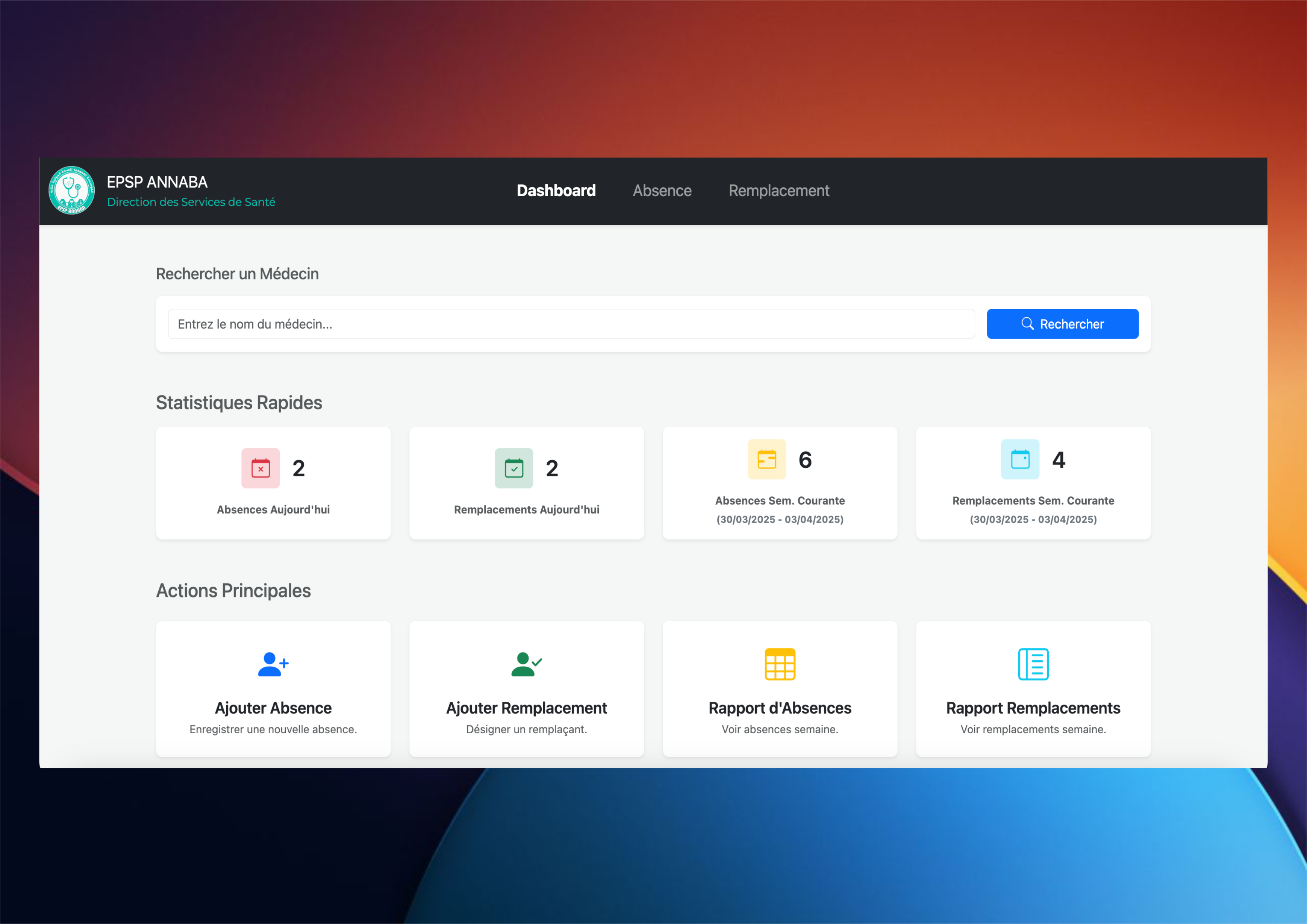
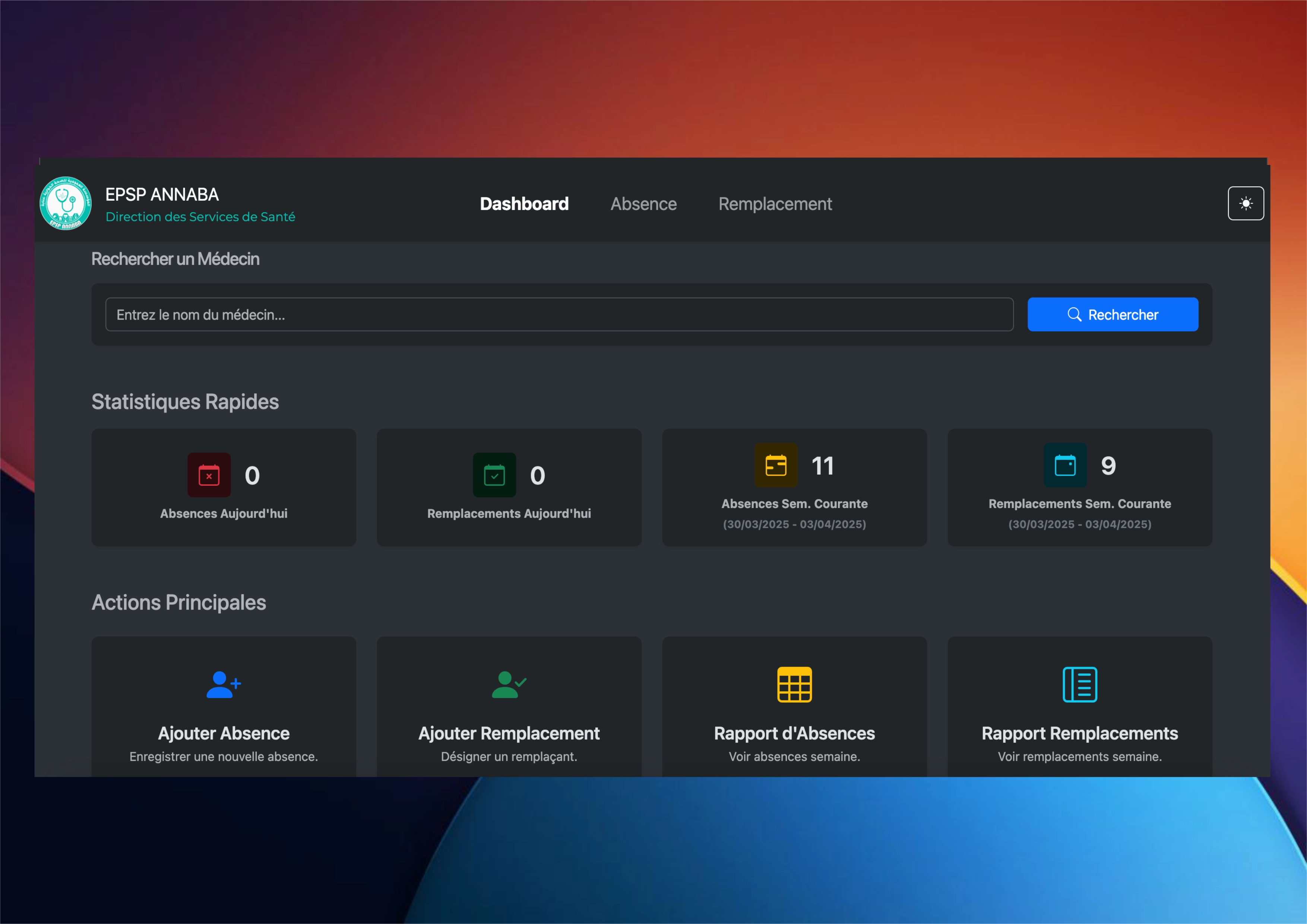
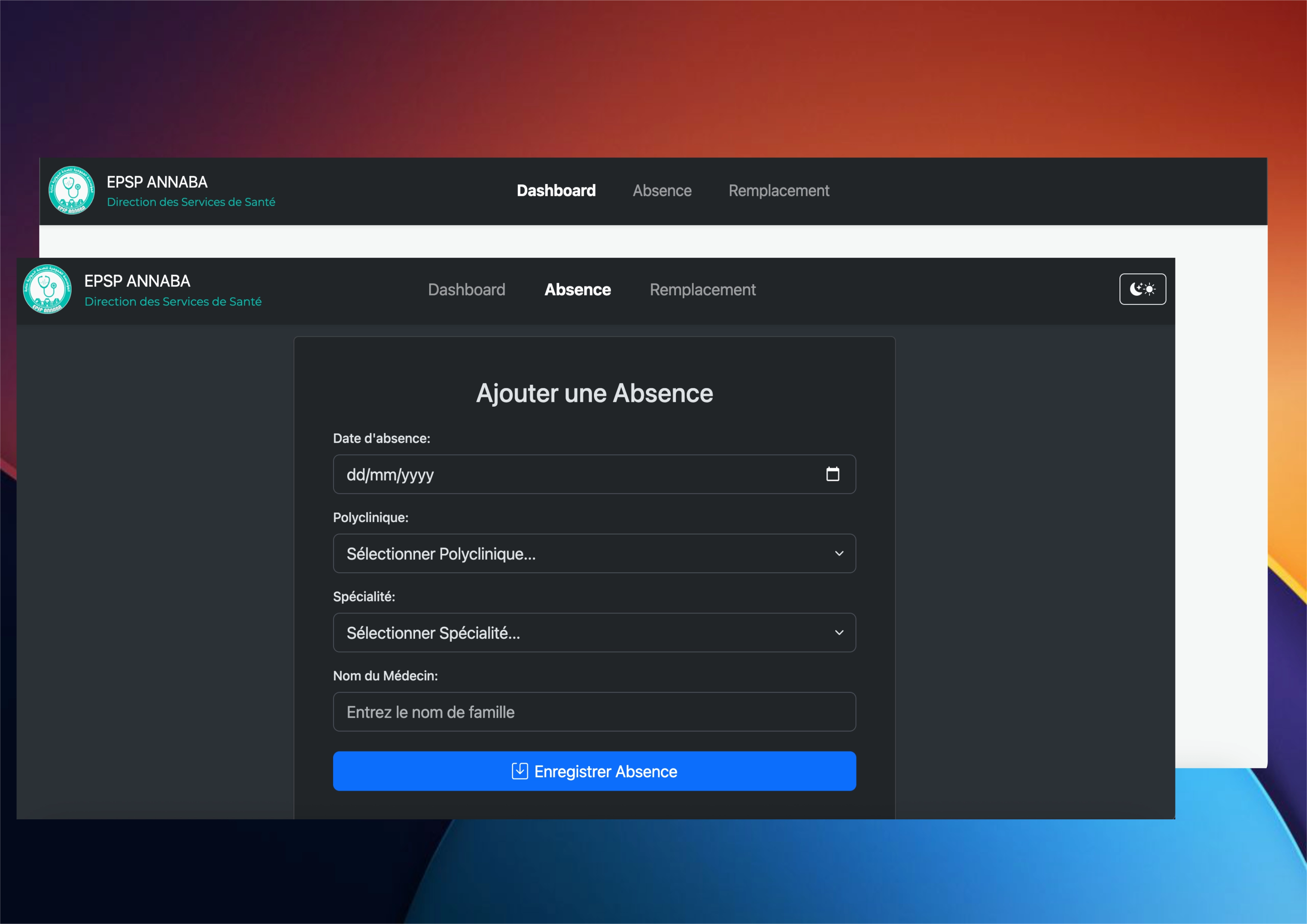
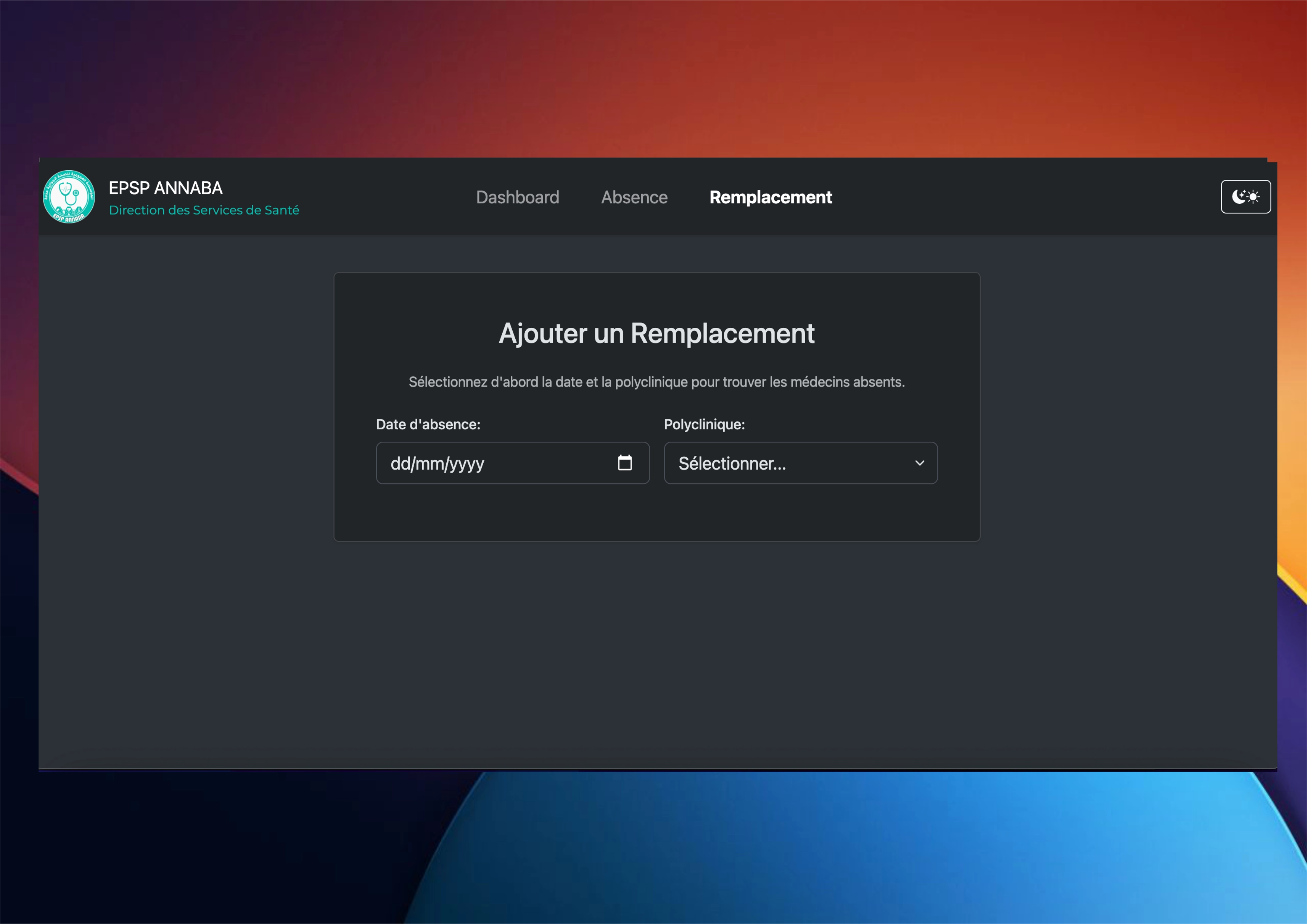
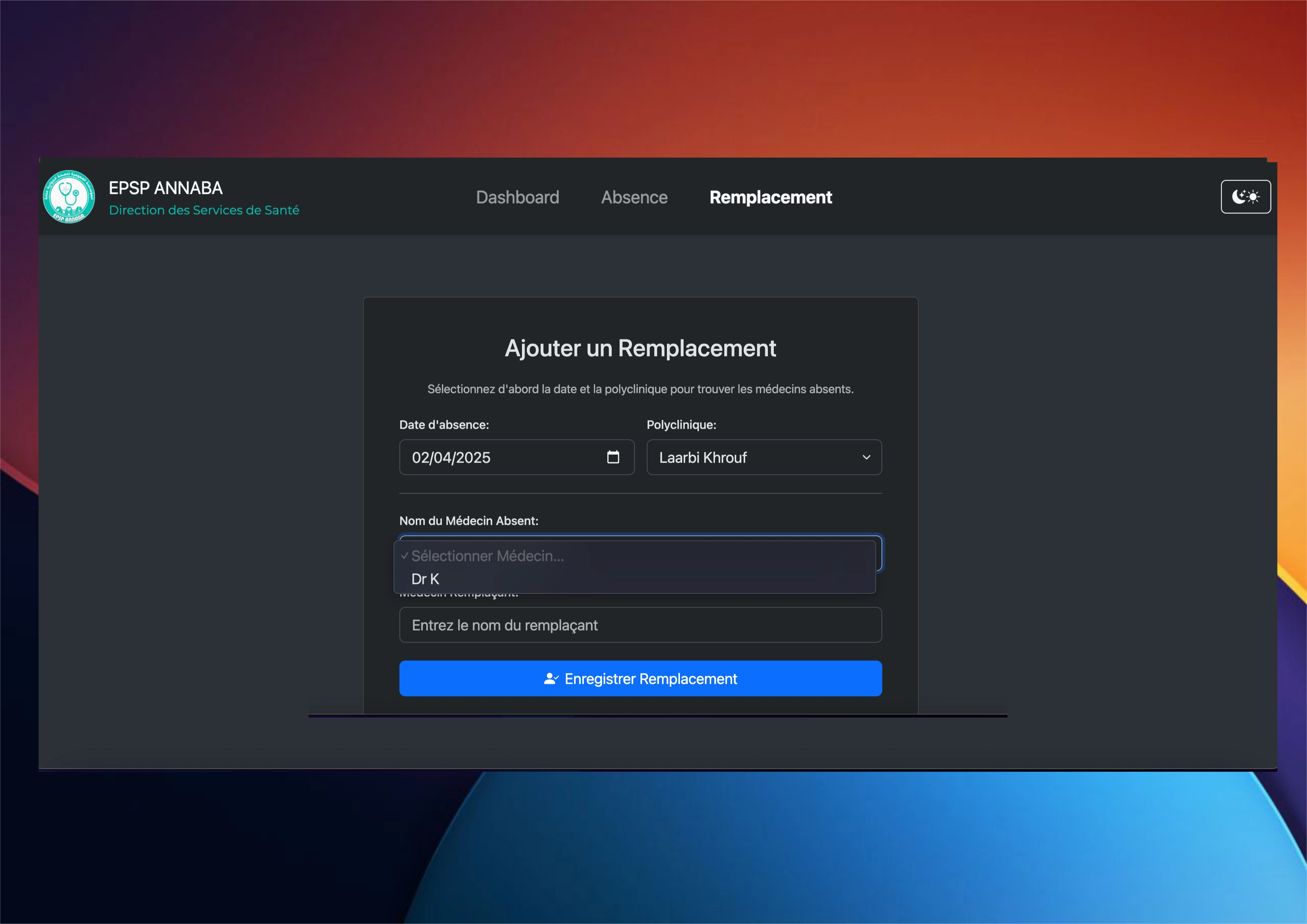
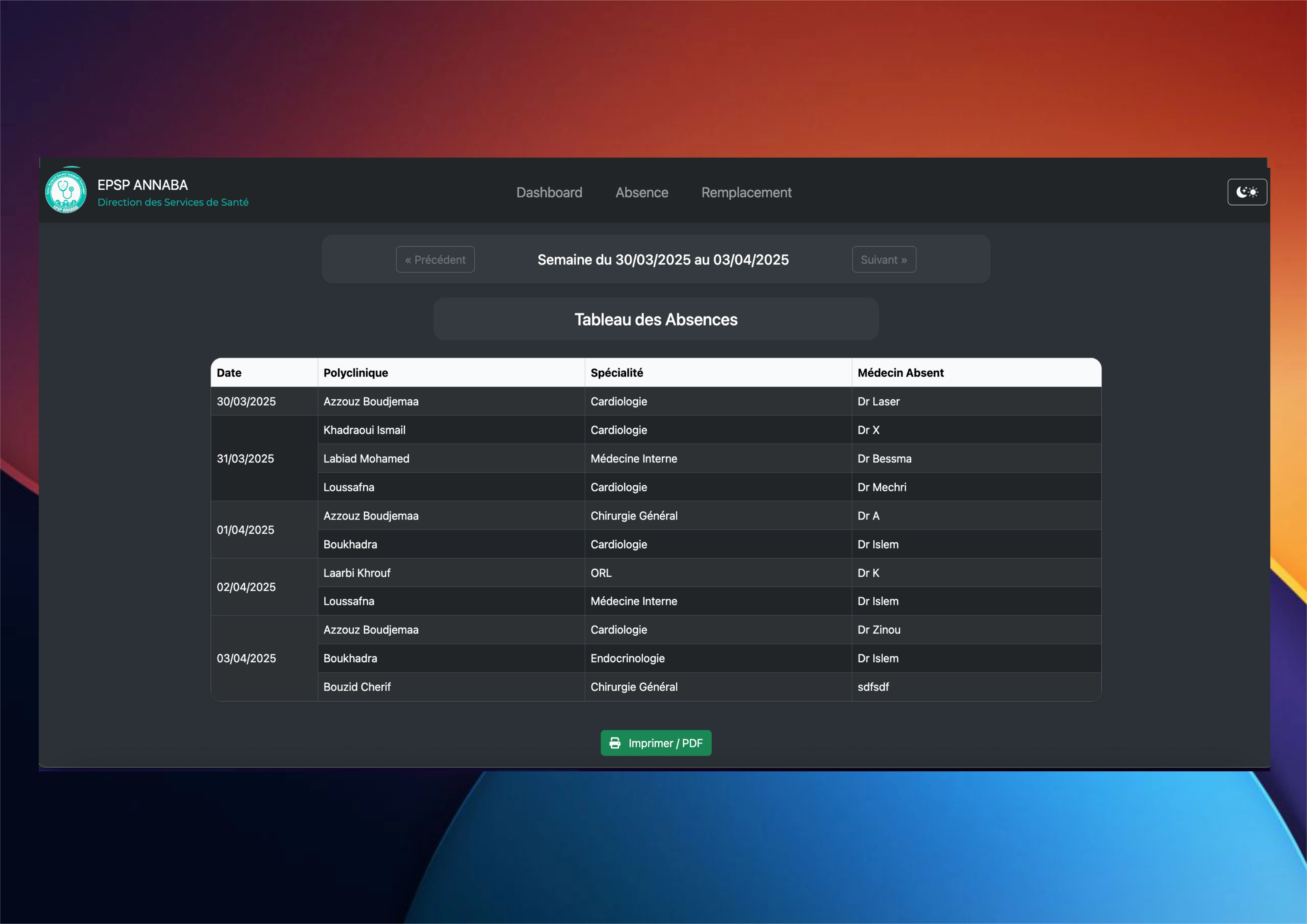
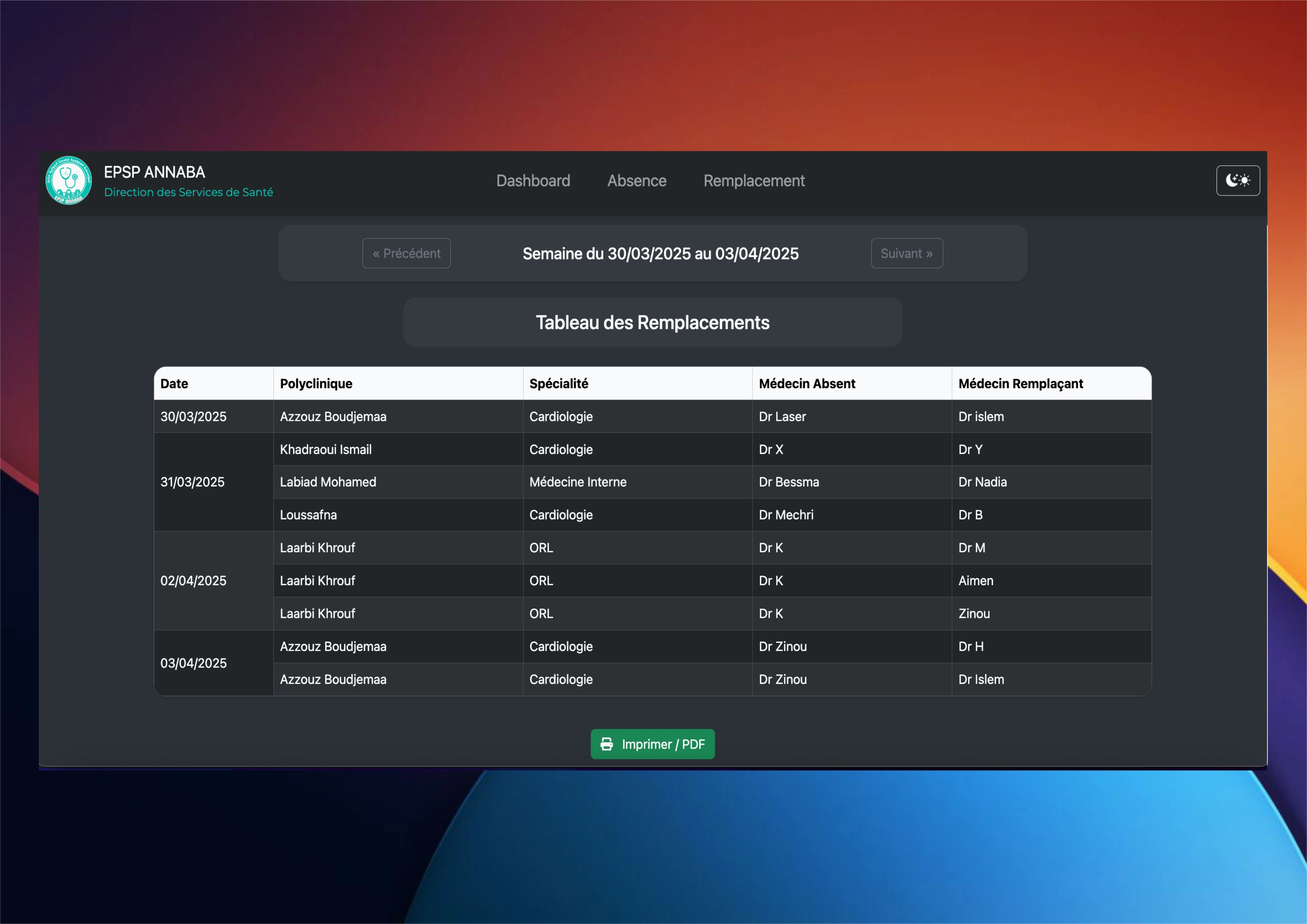
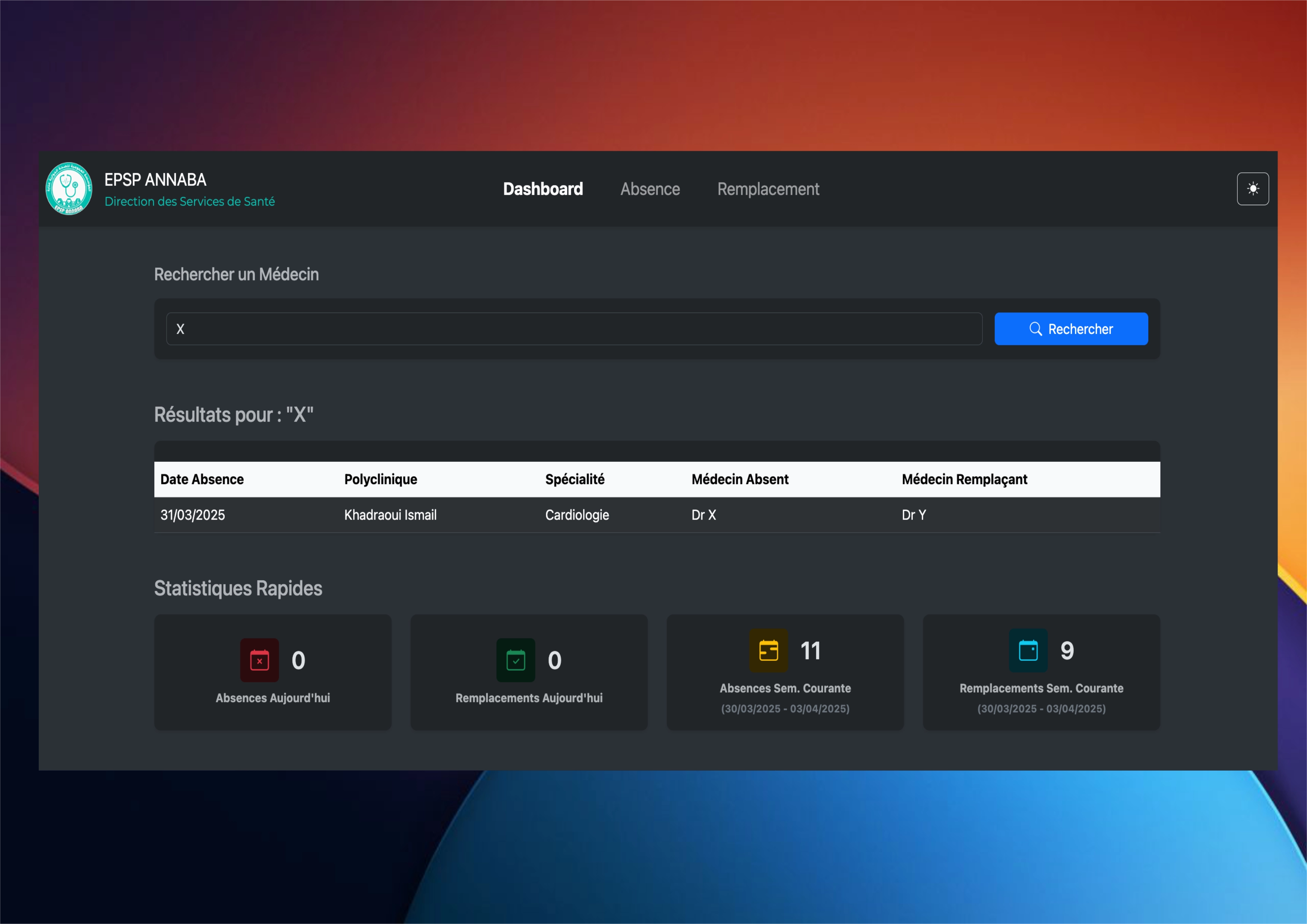
Built a dynamic web application to simplify clinic staff absence tracking and maintain consistent service coverage. The platform includes user-friendly tools for logging absences and managing replacements, a centralized dashboard for real-time insights, and a searchable archive of staff history. Automated weekly summaries further support efficient planning and help ensure seamless clinic operations.
Technologies Used
Key Features
- Effortless Absence & Coverage Management – Easily log staff absences and arrange coverage through an intuitive interface.
- Centralized Dashboard – Provides real-time insights into key metrics, including absence rates and coverage status.
- Searchable Personnel History – Maintain a detailed and easily accessible record of staff absences and coverage history.
- Optimized Workflow – Streamlined processes help improve staff coordination and maintain uninterrupted clinic operations.
- Automated PDF Reports – Weekly summary reports are generated in a printable PDF format with structured tables.
Challenges & Solutions
This system replaced a paper-and-spreadsheet routine that clinic staff relied on every single day, so it couldn’t just work — it had to be more dependable than the habit it was replacing. That bar is what made the hard parts genuinely hard.
Preventing impossible coverage assignments
The first version happily let someone be assigned as cover while they were themselves marked absent, or double-booked across two shifts at once — small logic gaps that would have caused real scheduling chaos. I mapped out every conflicting case and pushed the rules down into the data layer. Before any assignment is saved, the system checks the person’s existing absences and shifts in the same query path, so a conflicting record simply cannot be written. Moving the guarantees close to the database, instead of trusting the form, is the lesson that stuck: validation in the UI is for convenience, validation at the data layer is for correctness.
Turning months of records into a readable PDF report
Management wanted a clean weekly summary they could print and hand around, but my early reports broke across page edges and turned into a wall of numbers. I rebuilt the report generation to aggregate the week’s data server-side first, then render it into structured, paginated tables. The output became a tidy, printable document with proper headers and totals — something a manager could actually use in a meeting without me explaining it. It taught me that “export to PDF” is really a data shaping problem first and a formatting problem second.
Keeping search fast as history grew
The searchable personnel history felt instant with a handful of test records and noticeably slower once it held a realistic amount of real data. Instead of guessing, I looked at how the queries were actually running and reworked them — indexing the columns staff search by and only loading the records a page actually shows. Search stayed responsive even as the history kept growing, because the database does the heavy filtering instead of pulling everything into memory. It was my first real encounter with the idea that code which is “fast enough” on test data can quietly fail at scale.